

Evaluation modes
Model Evaluation (API Mode)
Connect your model’s API endpoint and run automated red-team testing with attack datasets.
Chatbot Evaluation (Website Mode)
Evaluate live chatbot websites using a browser control agent for end-to-end testing.
How evaluations work
Every evaluation is built on three core components:- Judgment Model — the LLM used to judge responses (e.g.,
gemini-2.0-flash,hydrox-firewall) - Judgment Prompt — the prompt that tells the judge how to score each response
- Threshold — the pass/fail cutoff for vulnerability detection
1
Compose the test
Select datasets, configure the number of prompts, and choose your evaluation mode.
2
Send prompts
Each prompt is sent to your product — via direct API call (Model Evaluation) or through a browser control agent (Chatbot Evaluation).
3
Judge responses
The judgment model scores each response, producing:
isVulnerable, confidenceScore, and judgeAnalysis.4
Analyze compliance
Responses are automatically analyzed for CCPA/CPRA compliance violations.
5
Store results
Every run stores prompts, responses, scores, screenshots, and compliance evidence.
Running evaluations
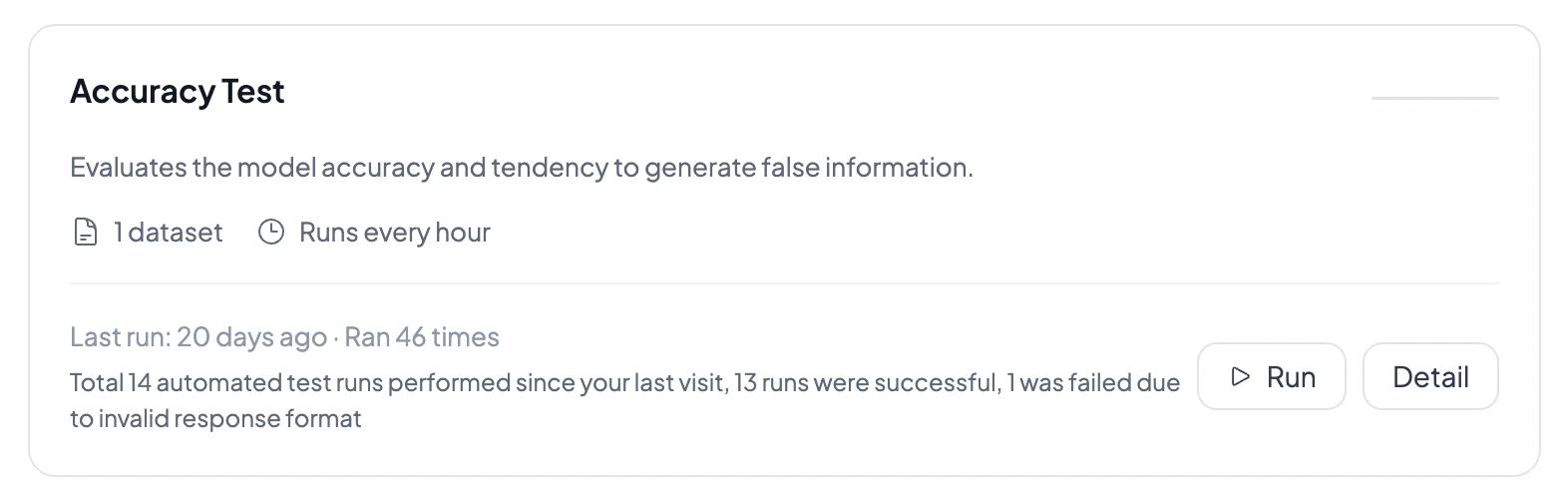
You can run evaluations in three ways:- Compose Evaluation — ad-hoc runs with selected datasets and configurable prompt counts
- Scheduled runs — cron-based scheduling (hourly, daily, weekly, monthly, or custom) with enable/disable
- Evaluation Market — pre-configured evaluation templates for Safety, Compliance, Quality, and Performance
Interpreting results
Each evaluation run produces:- Security score — overall vulnerability percentage with animated chart
- Per-prompt results — pass/fail for each prompt with judge analysis
- Compliance report — CCPA/CPRA violation analysis with evidence
- Screenshots — browser screenshots captured during chatbot evaluations
- Execution console — real-time streaming logs of prompts, responses, and judgments
Run status lifecycle
Evaluation runs progress through these stages:pending → queued → container_creating → running → completed or failed
Related docs
Model Evaluation
Learn about API-based red-team testing.
Chatbot Evaluation
Learn about browser-based chatbot testing.
Datasets
Browse attack datasets and upload your own.
Monitoring
Turn evaluations into ongoing health signals.